
Workflow Automation
Hours of weekly retyping removed and follow-up that happens on its own.
Connecting websites, forms, ecommerce, CRMs, spreadsheets and email so information moves between systems without anyone retyping it.
BUSINESS AUTOMATION UK
Hours of manual admin removed every week.
Most small teams lose hours every week copying information between tools — an enquiry into a CRM, an order into a spreadsheet, a payment into an email. It is invisible work, and it is expensive.
We connect the systems you already use so data moves itself, using Make.com, direct API integrations and native connections where they fit.
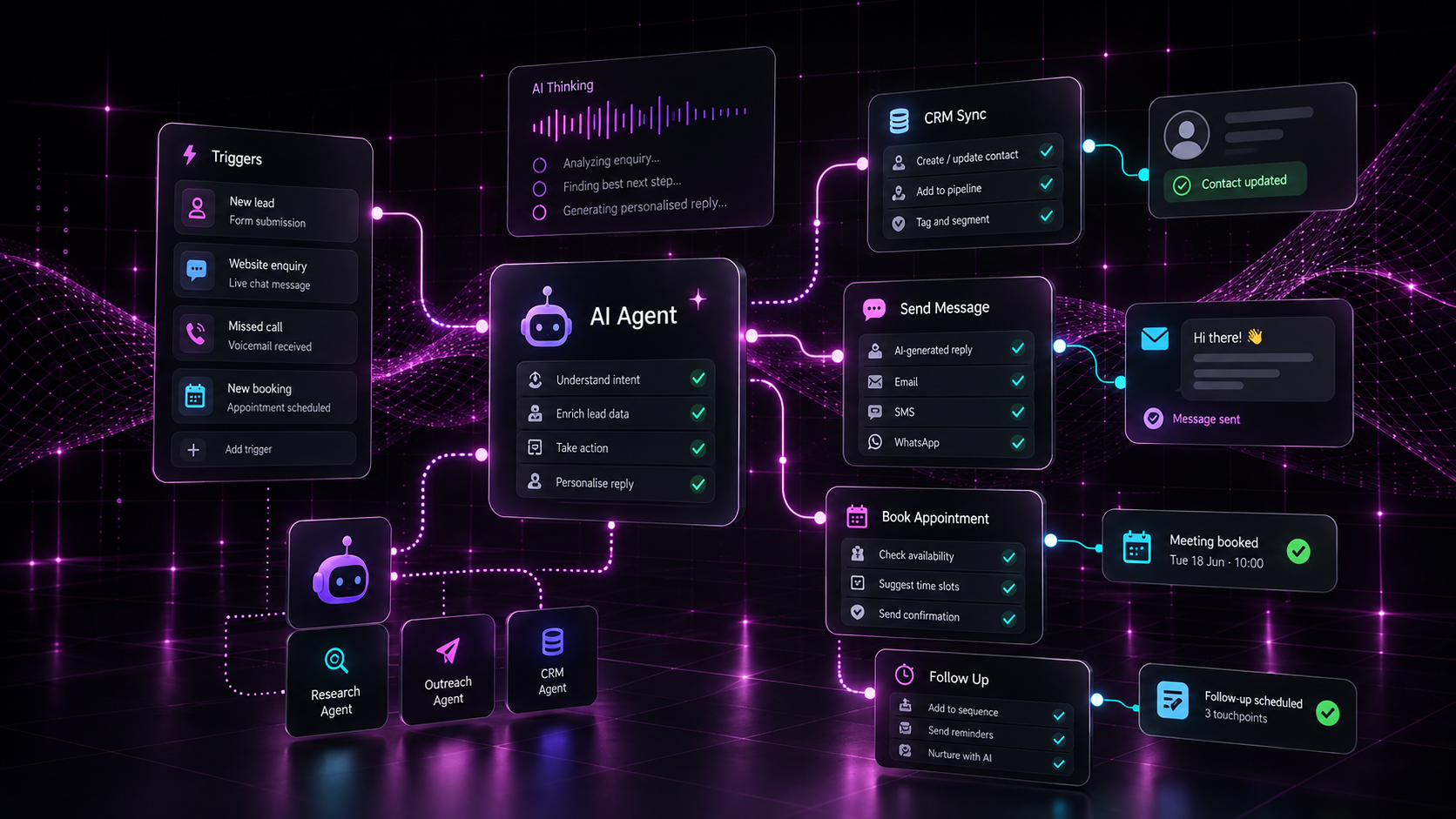
Problems we solve
What we build
Scope is agreed up front. Nothing here is padding.
A clear picture of how information moves today, including the undocumented steps.
Automations built, tested and documented — with error handling rather than silent failure.
Custom connections where an off-the-shelf module does not exist or is not good enough.
Enquiry forms, quote requests and checkout events routed into the right systems.
The right person told at the right moment, in the tool they already use.
Data collected consistently so dashboards reflect reality without manual work.
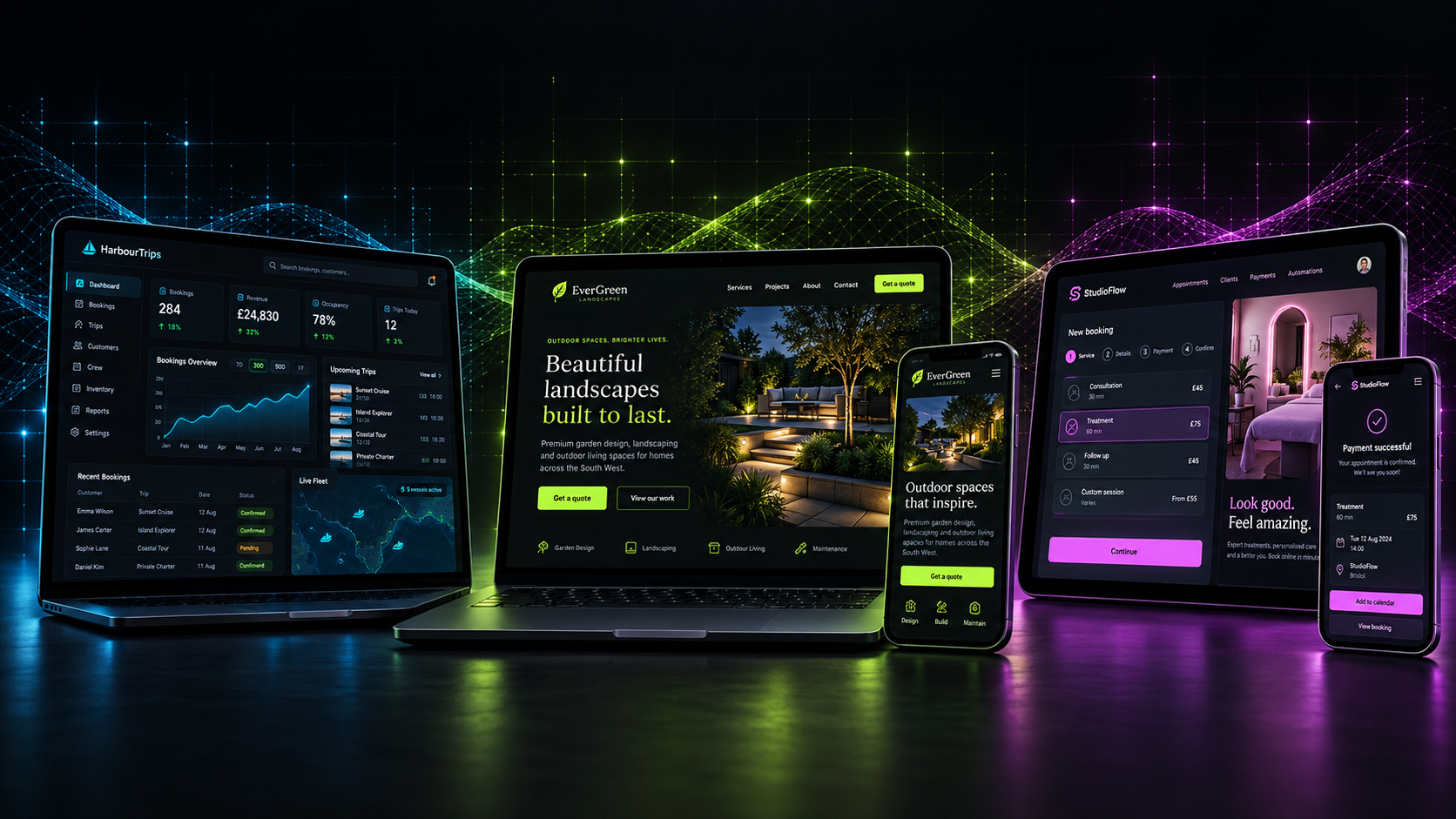
Example use cases
How it works
We map the process end to end and quantify where the time actually goes.
Start with the flow that is most repetitive, most error-prone or most costly.
Automations built in a controlled way and tested against real data before go-live.
Error alerts and logging so problems surface immediately rather than at month end.
Once a flow is stable and trusted, we move to the next process.
Proof
Projects that used this service, and what came out of them.
Hours of weekly retyping removed and follow-up that happens on its own.
Connecting websites, forms, ecommerce, CRMs, spreadsheets and email so information moves between systems without anyone retyping it.
The whole day's pickups and payment status on one screen, syncing straight from WooCommerce.
WooCommerce bookings turned into one clear daily operations screen — pickups grouped by time slot, guest numbers and payment status visible at a glance, in English and Thai.
Deposits taken and recorded properly without rebuilding the main website.
A focused, reusable tool that sits alongside an existing website and handles a single transaction or booking flow — without a full platform rebuild.
Why Zubru Labs
FAQs
Related
Custom tools, portals and MVPs that do one useful job properly — scoped small, built well, extended when proven.
Fast, accessible, well-structured websites built on modern tooling — designed around real customer journeys, not templates.
Connecting websites, ecommerce, CRMs and email so admin happens by itself.
Next step
Tell us the problem. We’ll tell you the smallest useful first step.